 agent-kay
A short answer up front
You install an MCP server. You give it a one-line npm install. The README looks slick, the GitHub stars look healthy, you move on with your day.
That tiny act handed a stranger's code a seat at your machine. It now runs as you. It can read your .env. It can read ~/.aws/credentials. It can curl anything to anywhere. No prompt asks for permission, because you already gave it.
This post explains why the Model Context Protocol works that way, the four channels every MCP server uses to leak data, and the cheap two-step fix that closes most of the holes.
The shape of an MCP RCE
"RCE" — Remote Code Execution — usually means an attacker tricked your machine into running their code. With MCP, you do the tricking yourself. Every install is voluntary. The attacker just ships a useful tool first and a bad update second.
That's not a bug. That's the design. The protocol is a transport, not a sandbox.
What MCP looks like at the process layer
The host (Claude Code, Cursor, Cline, Continue, Claude Desktop) starts each MCP server as a child process. The two sides talk over stdio or HTTP. From the operating system's view, an MCP server is just another binary you chose to run.
$ ps -ef | grep mcp
kay   38241  38240  node /opt/homebrew/lib/node_modules/some-mcp-server/dist/index.js
kay   38242  38240  python -m other_mcp_server.serve
kay 38243 38240 /Users/kay/.cargo/bin/yet-another-mcpProcess 38240 is your agent host. Each child inherits four things from it:
- Your user ID. Anything you can read, they can read.
- Your environment variables, often filtered but rarely zeroed.
- Your network. There's no firewall between them and
*.cn. - Your working directory, almost always the project root.
The host's job ends at "started the server and sent it JSON-RPC." Capability checks, secret hygiene, and exfil prevention aren't in the spec. Those are your problem.
The four leak paths every install opens
Every MCP server, on default settings, has four ways out from the moment it boots:
- Filesystem read. Project root, home directory,
~/.aws,~/.ssh,~/.docker/config.json, every.env*file — all readable. No prompt, no log. - Environment variables. Whatever the host hands in. On hosts that spawn under a login shell, that's your full
.zshrcenv, including anything youexported for dev. - Outbound network. No egress filter by default. A bad server can
POSTyour.envto its own server in one line. - Prompt-context exfil. The agent reads files into the chat. The server is in that chat. Anything the agent saw, the server can be told.
Path three is the one most people miss. "It's a code search tool" feels safe — until you remember a code search tool needs https://* to fetch docs, and the same outbound permission carries any payload you want.
Why "trusted source" is not a permission model
The usual defense is curation: only install MCP servers from "trusted" authors. That works right up until:
- The trusted author's npm token gets stolen.
- A tired maintainer merges a bad PR at 3 AM.
- Someone publishes
mcp-filesyste(note the missingm) and waits for typos.
Supply-chain attacks on npm and PyPI aren't theory. Major packages have shipped credential-stealing payloads in the last two years through stolen tokens, malicious co-maintainers, and dependency confusion. Every MCP server sits on top of a dependency tree you didn't audit.
"Trusted source" answers the question "is this author honest?" The real question is "if any one person or package in this tree gets popped tomorrow, what walks out of my machine?"
For a default install, the honest answer is: everything your user can see.
Scoping MCP without breaking it
Good news: the same OS that gave the server its powers can also take them away. The pattern is defense-in-depth at the process layer.
┌─────────────────────────────────────────────────────────┐
│ Layer 1: keep secrets out of files the server can see   │
│ Layer 2: zero the env before the host spawns the server │
│ Layer 3: filesystem allow-list (roots + OS-level)       │
│ Layer 4: egress allow-list (firewall or sidecar)        │
│ Layer 5: per-tool audit log                             │
└─────────────────────────────────────────────────────────┘Layers 3 to 5 are infrastructure work — containers, firewall rules, log shipping. They're the right call at the team level. They're also why most solo devs do nothing: the setup cost is high, the payoff is invisible.
Layers 1 and 2 are cheap. They cut most of the real attack surface for one developer. Stop putting secrets in files. Stop exporting them in the parent shell. If .env doesn't exist, fs.readFileSync('.env') returns ENOENT no matter who called it.
Where tene fits — runtime injection, not file storage
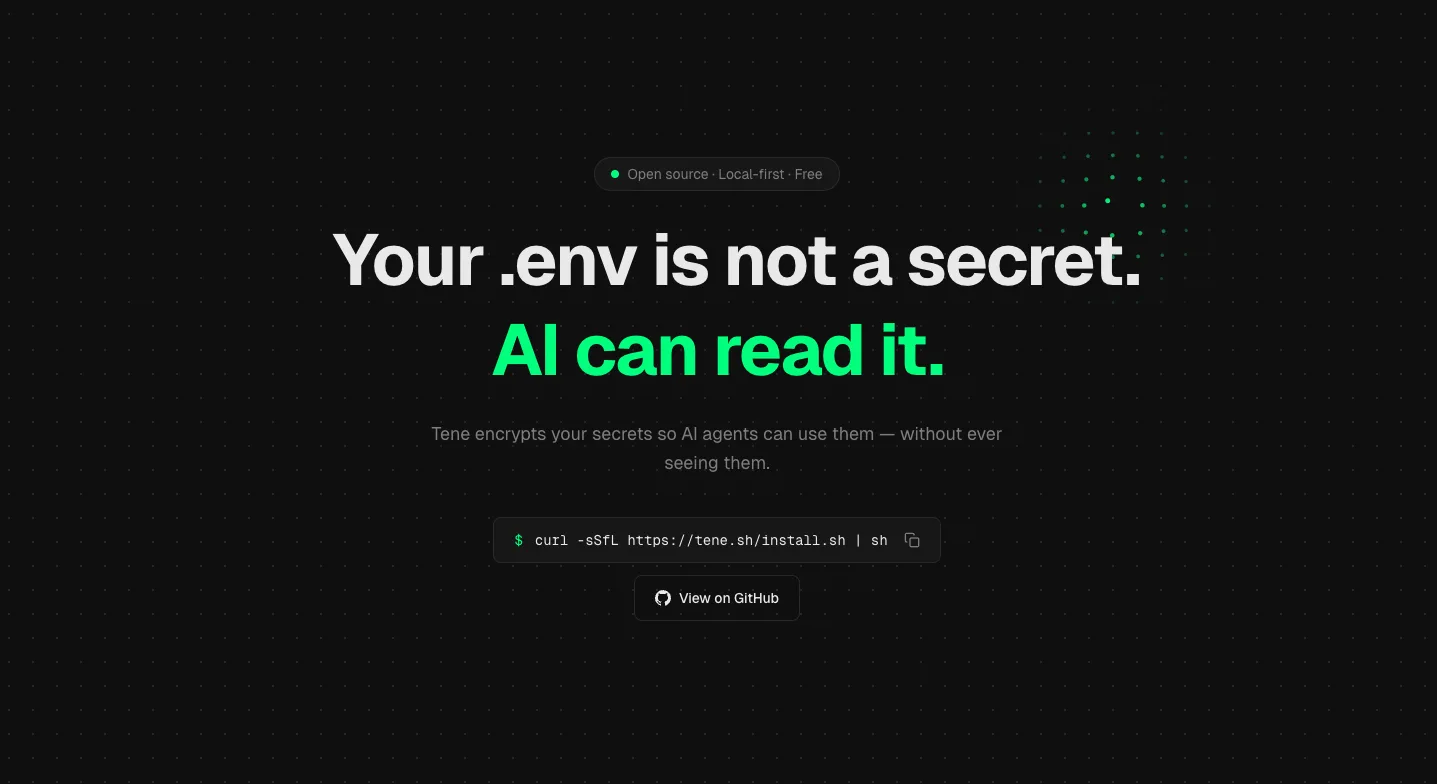
tene was built for this layer. The vault is encrypted on disk with XChaCha20-Poly1305 (details here). The master key lives in your OS keychain. Secrets become environment variables only when a specific child process starts, and only for that one process.
# Old (vulnerable): secrets in .env, MCP servers can read the file
$ cat .env
STRIPE_KEY=sk_live_xxx
OPENAI_API_KEY=sk-proj-xxx
DATABASE_URL=postgres://...

# New (scoped): no .env on disk, secrets only injected when you run the app
$ rm .env
$ tene run -- npm run dev
# STRIPE_KEY etc. live in this child's env only.
# Sibling MCP servers spawned by your agent host have no access.The key idea: the agent host and the MCP servers are not children of tene run. They started earlier, from your terminal or app launcher, with their own env. tene run -- npm run dev injects secrets only into the npm subprocess. The MCP servers running in their own process tree see nothing.
This works because a Unix process environment is per-process and per-fork, not shared. One sibling can't read another sibling's env. The MCP server can cat /proc/$NPM_PID/environ only with root, which it doesn't have.
What a hardened MCP setup looks like
A practical hardened setup for a solo developer running a few MCP servers in 2026:
- No
.envfiles in repos. Move every secret intotene(or any vault that does runtime injection, not file dropoff). Run apps viatene run --. - Spawn MCP servers from a host that drops the shell env. Claude Desktop on macOS already does this — a known UX gripe that turns out to be a security feature. On hosts that inherit, set
env: {}per-server in the config to zero it. - Pin and audit. Pin MCP server versions in your config. Re-audit before upgrade.
npm audit signaturesfor npm-based servers; the equivalent for pip. - Container or chroot the high-blast-radius ones. A filesystem MCP that needs to read your whole home directory belongs in a Docker container with a
--mount type=bind,readonly,src=/path/to/project,dst=/work. The cost is one Dockerfile. The win is the server can't wander outside/work. - Egress firewall, even loose. Block direct egress from MCP server processes to the open internet. Allow-list package registries and your own infra. Tools: Little Snitch (macOS), Lulu, network namespaces (Linux), Tailscale ACLs.
- Treat MCP server install like RCE consent. Because that's what it is. Read the source. Read recent commits. Read maintainer history. If it's a 200-star project from a name you don't know, the convenience isn't worth the seat at your table.
You don't need all six on day one. Steps 1 and 2 alone cut the bulk of casual exfil risk for a single dev.
Summary
- An MCP server is a local process spawned by your agent host. It runs as you, it sees what you see, and the protocol is a transport, not a sandbox.
- Four leak channels are open by default: filesystem read, env vars, outbound network, and prompt context. The first two are cheap to close.
- "Trusted source" isn't a permission model. Supply-chain attacks are real, and MCP servers sit on top of npm and PyPI trees you haven't audited.
- Stop storing secrets in
.envfiles. Stop exporting them in your shell rc. Inject them only into the child process that needs them —tene run -- <cmd>is the one-liner. - Hardened MCP is a stack: runtime secret injection, env zeroing per server, container or chroot for high-blast-radius servers, egress firewall, pinned versions. Two layers cover most of the real risk; five layers belong at the team level.
Terms used in this post
MCP (Model Context Protocol) — A standard way for an AI agent host (like Claude Code or Cursor) to talk to small helper servers that give it new tools. The host launches each server as a child process.
RCE (Remote Code Execution) — When an attacker gets to run their own code on your machine. Usually a bug. With MCP, you opt in by installing the server.
MCP server — A small program that exposes tools (file read, web search, database query) to the agent. Runs locally as your user.
Process layer — The level the operating system sees — UIDs, file handles, network sockets. The MCP spec sits above this layer and doesn't restrict it.
Sandboxing — Confining a program so it can only see and do a small subset of what your user can. MCP hosts don't do this by default.
Egress / outbound network — Network traffic going out from your machine. The path a leaked secret takes to reach an attacker.
Blast radius — How much damage a compromise can do before something stops it. Smaller is better.
Supply-chain attack — An attacker pushes bad code into a package you trust, so installing the package installs the attack.
FAQ
Is this a Claude Code-specific issue?
No. The Model Context Protocol is host-agnostic. Claude Desktop, Claude Code, Cursor, Cline, Continue, and every other MCP host launches servers as local child processes. The risk surface is the protocol, not the client.
Does running MCP servers in Docker eliminate the risk?
It reduces blast radius, but does not eliminate it. A containerized MCP server still receives whatever you mount, whatever env you pass, and whatever network you allow. A compromised server exfiltrates whatever it can see — and if you mounted your project directory with a .env in it, that is now data exfil-ready.
Can a malicious MCP server read my .env without me noticing?
Yes. If the server has filesystem read on the project dir (which most do, for code understanding), .env and .env.local are just files. There is no audit log, no permission prompt, no syscall trace by default. The only protection is to keep secrets out of files the server is allowed to see.
What about read-only MCP servers — are those safe?
Read-only filesystem ≠ harmless. Read is the entire attack surface for credential theft. The dangerous capability is outbound network, which most MCP servers also have. Read + send-out is the full kill chain. Treat read-only servers as reduced-write, not as low-risk.
Related reading: